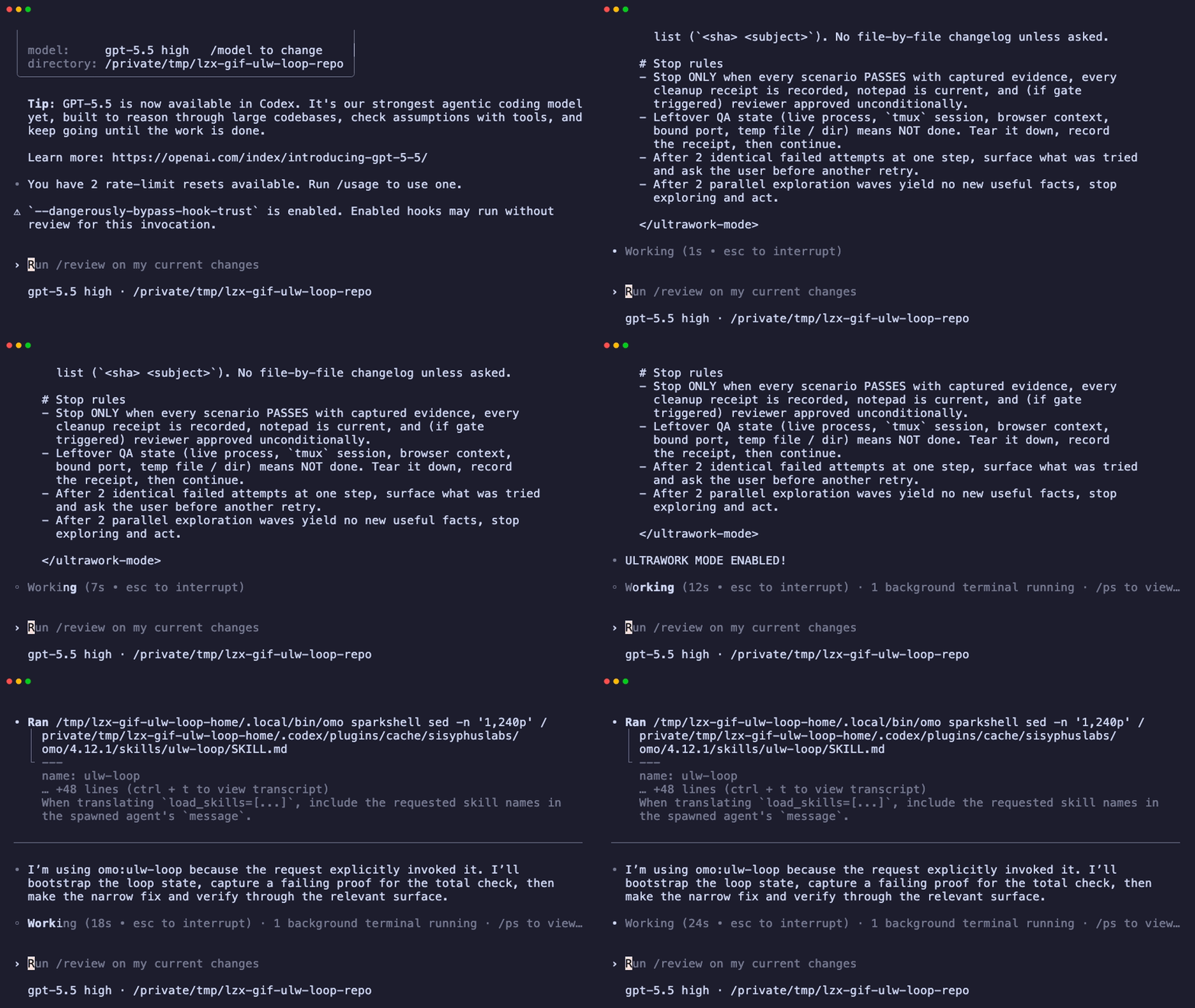
Getting Started
Install LazyCodex in Codex and continue from project memory to the first plan and execution.
This page covers the basic flow from installing LazyCodex to running the first task. Start the install from Codex, create project memory with $init-deep, then run $ulw-plan and $start-work.
Prerequisites
- A Node.js/npm environment that can run
npx. Bun is not required. - Codex App or OpenAI Codex CLI
LazyCodex connects OmO commands, skills, and hooks to Codex settings. If Codex is already working, the install flow is the same for App and CLI.
Install
Treat the install path as one flow. Open a new Codex task, give it the LazyCodex GitHub link, and ask Codex to install it.
https://github.com/code-yeongyu/lazycodex

Install LazyCodex using this repository.
If you need to run the command yourself, use:
npx lazycodex-ai installAfter installation, reopen Codex and check that OmO plugins and skills appear in the $ menu.

On the next launch, approve the omo hooks in Codex's startup review. Hooks do not run before approval. If the state looks pending or degraded, run diagnostics first.
npx lazycodex-ai doctorAuthentication
LazyCodex itself has no separate login command. The installer, or the agent you asked to install it, handles subscription detection, model selection, and provider authentication. Codex App or Codex CLI itself must be signed in, but that is closer to a prerequisite than a LazyCodex-specific auth step.
For provider and routing details, see Configuration.
Run Your First Task
First create hierarchical AGENTS.md project memory so the agent starts with project context.
$init-deep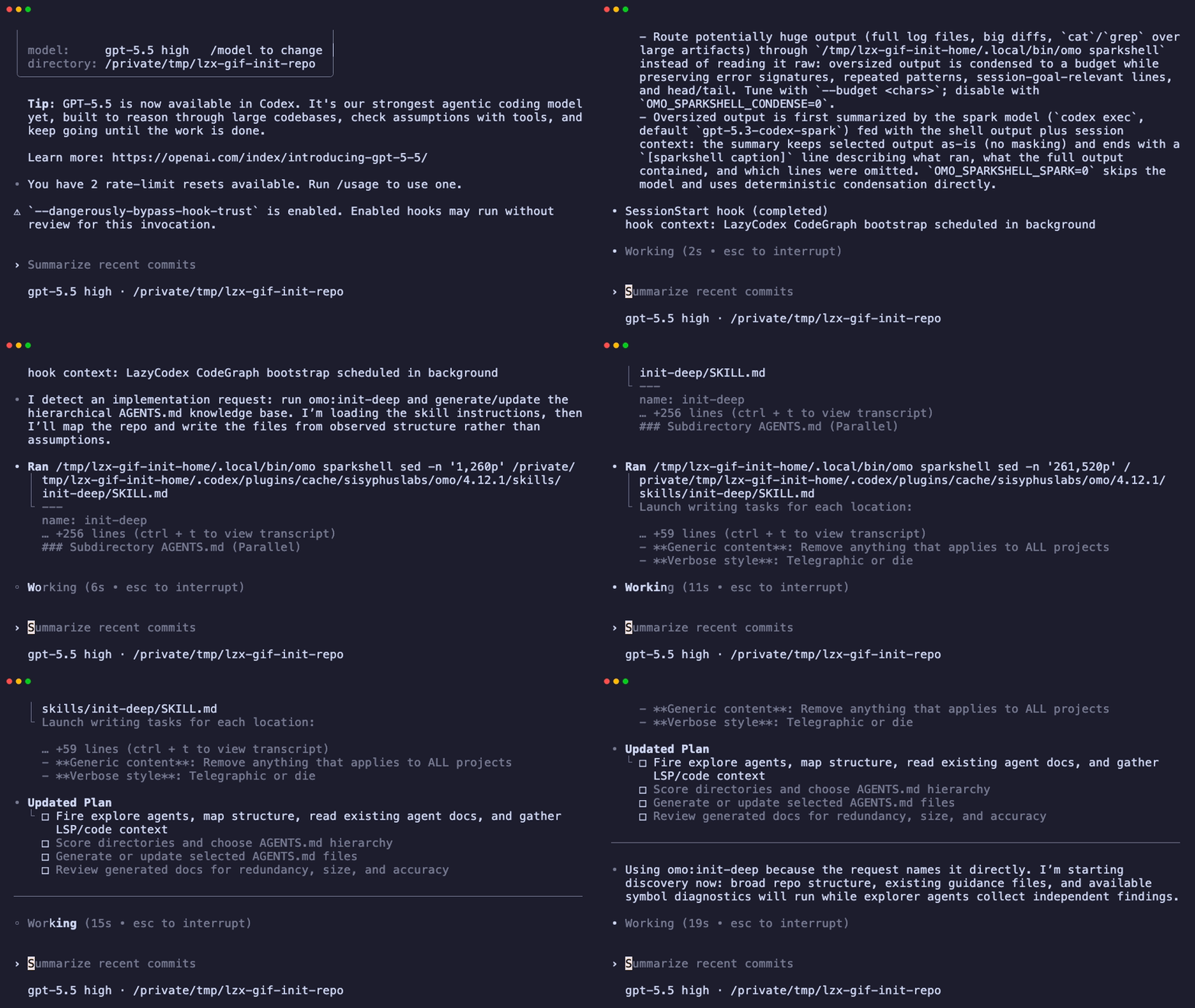
Then choose the command that matches the work.
If you need a plan first, enter:
$ulw-plan "add a completion helper to a small task app"This step does not write product code. It reads the repository, leaves a draft plan and an approval request, and creates an executable plan file at .omo/plans/<slug>.md after approval.
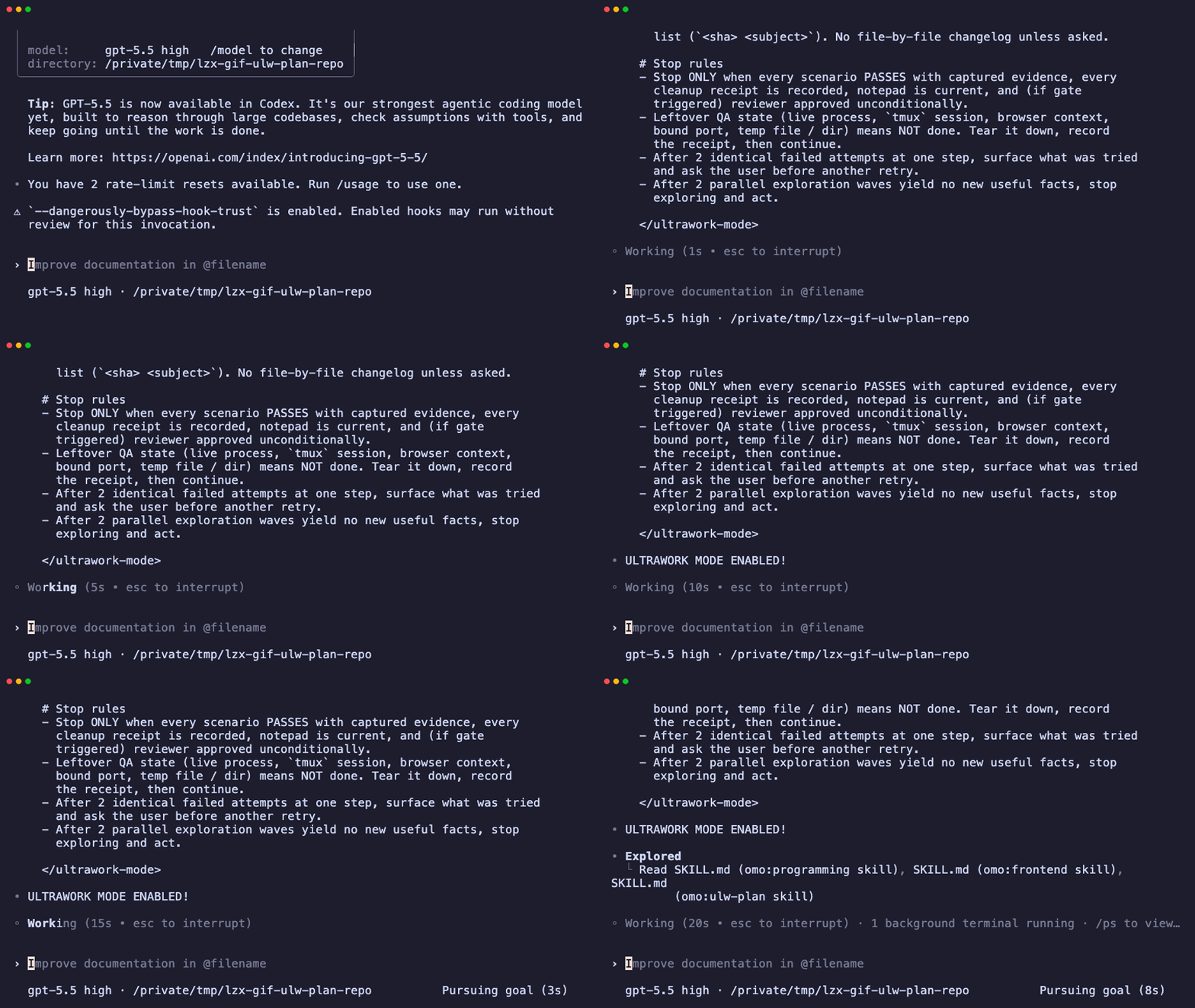
If you want to execute an existing plan, enter:
$start-workIt follows the plan until every checkbox is complete, then prints ORCHESTRATION COMPLETE.
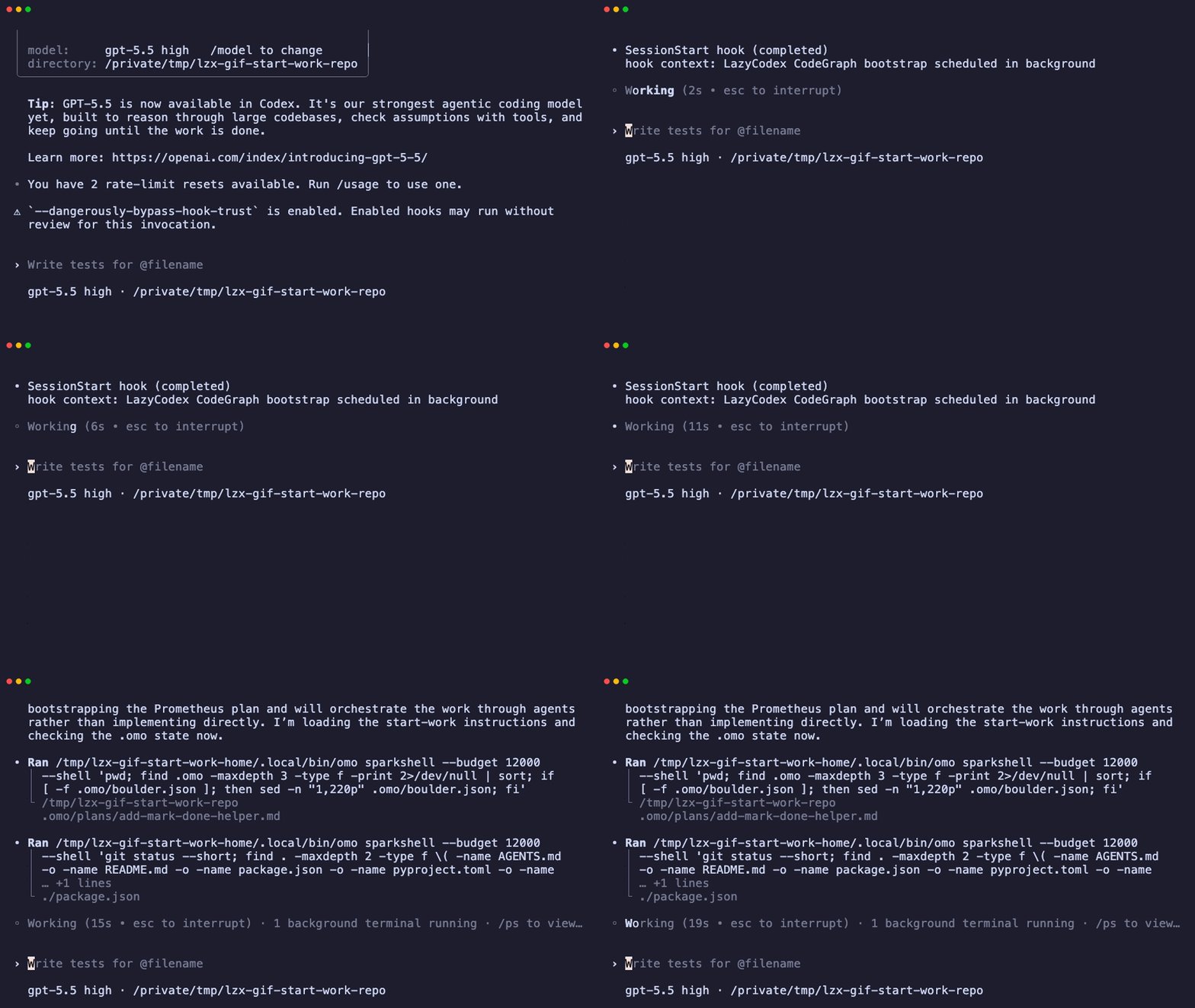
If you want to hand off the work through verification, use the loop. It keeps going until the result is checked with evidence.
$ulw-loop "fix the failing checkout flow and verify it end to end"